← Back to experience

RFID Lobby Welcome System

AdventHealth, Corporate Strategy & FORGE · Strategy Intern · May–June 2026

A proof of concept for a Proto Luma, a life-size holographic display. Someone carrying an RFID badge walks up, a long-range reader picks up the badge, and the display switches from an idle loop to a personalized greeting, with nothing to tap. I built it end to end, from reader configuration through the software. The test ran on a laptop screen, and the software was designed so the same system can drive the Luma.

Reader
Zebra FXR90 UHF
Trigger radius
~5 ft
Validation
100% over 25 trials
Antenna power
25–30 dBm
Read threshold
−70 dBm RSSI
Greeting length
8 s
Re-greet cooldown
20 s per badge
Target display
Proto Luma (life-size)
Interactive model

The Proto Luma setup in 3D

A to-scale model of the proof of concept: the badge, the FXR90 reader and its ~5 ft trigger zone, the laptop running the middleware, and a Proto Luma (88 × 50 × 24 in). Click any part or label to see what it does, and drag to look around. It loops a walk-up on its own and follows along when you play the test video below.

Watch the real test ↓
Live test

Walking up with a badge

This is me testing the system. Press play (the 3D model above follows along): each time the badge reaches the reader, the pipeline steps through what the software does and the display panel shows the greeting the lobby screen played.

1 · BadgeUHF tag comes into range
2 · FXR90Reader publishes tag ID + RSSI
3 · MQTTMosquitto carries the read to the laptop
4 · LogicAbove −70 dBm? Pick the closest badge
5 · Displaympv swaps idle loop for greeting
Lobby display
Idle loop

Welcome back

Personalized greeting · plays 8 s

Waiting for a badge…

The scan markers are estimated from the video, and the display was off-camera, so the panel above re-creates what the screen showed. Click a marker to jump to that scan.

How it works

From a radio read to a video on screen

Badge
→
Zebra FXR90
→ MQTT →
Mosquitto broker
→
Python middleware
→
mpv player
→
Screen

MQTT is the boundary between hardware and software. The reader publishes each badge read as a small JSON message with the tag ID and signal strength. Everything after that is software I wrote, so if the reader brand ever changes, only the listener has to change.

rfid_listener

Subscribes to the reader's topic, drops weak reads below the RSSI threshold, and de-bounces repeat reads into clean badge events.

logic_engine

Decides who to greet. When several badges show up at once it waits briefly and picks the strongest signal, then enforces the per-badge cooldown.

media_controller

Drives the mpv video player over its IPC interface, swapping from the idle loop to a greeting and back. Works on Windows, Mac or Linux.

health

Background checks: a heartbeat file, warnings when the reader goes quiet, offline alerts, and hot-reloading the badge list every 60 s.

Greeting the closest person

Signal strength (RSSI) is a rough stand-in for distance: the less negative it is, the closer the badge. If two people walk up together, the system greets whoever is physically closer instead of everyone at once, which also helps with privacy. Reads weaker than −70 dBm are ignored, which sets the trigger zone at about 5 ft.

−30 dBminches away
−50 dBm2–3 ft
−65 to −706–8 ft · cutoff
−75 dBm15+ ft, ignored
What I delivered

A package someone else can run

  • Working software: four decoupled modules that talk through in-memory queues, so the display or the decision logic can be swapped without touching the rest.
  • Reader setup: antenna selection and power, MQTT endpoint configuration, and a way to capture each badge's ID.
  • Quickstart guide: blank laptop to working demo in about 60–90 minutes.
  • Troubleshooting guide: organized by symptom, from "nothing happens when I wave a badge" to "it feels laggy."
  • Handoff note: what's proven, what's still placeholder, and the path to a holographic display (Proto Luma) without rewriting the core logic.

The code and documents belong to AdventHealth, so they aren't published here.

What I learned

Lessons from the bench

  • Tune the radio before the code. Antenna power and the reader's session setting mattered as much as the code for how responsive it felt.
  • Pick a clean boundary. Putting MQTT between the reader and the software meant I could test each half on its own.
  • Plan for the real world. Auto-reconnect, outage alerts and a hot-reloading badge list are what let a demo run without someone babysitting it.
  • Be honest about scope. The handoff spells out what is proven on a laptop and what still needs real content and hardware.
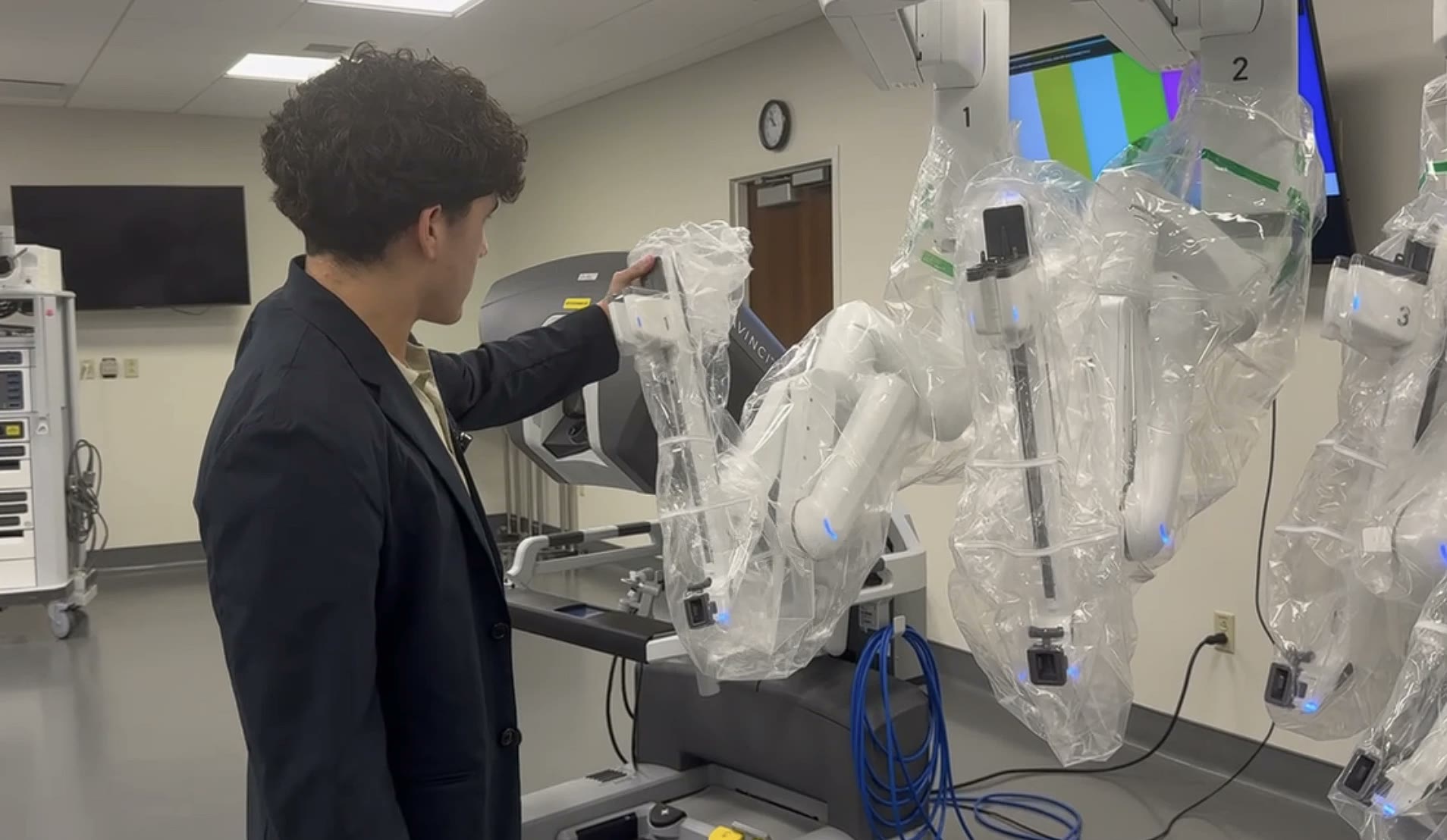
Lucca during da Vinci Xi robotic technical training
Also this summer da Vinci Xi robotic technical training.